Learn Dock Builder, one dock at a time.
Short, practical walkthroughs of everything the builder does — from your first section to a signed quote and a permit-ready PDF. Start with the full walkthrough, or jump to the part you need.
Quote a dock in 10 minutes
The whole flow end to end — set the site, draw the dock, and walk out with a take-off, a quote, and a PDF.
Start the walkthrough→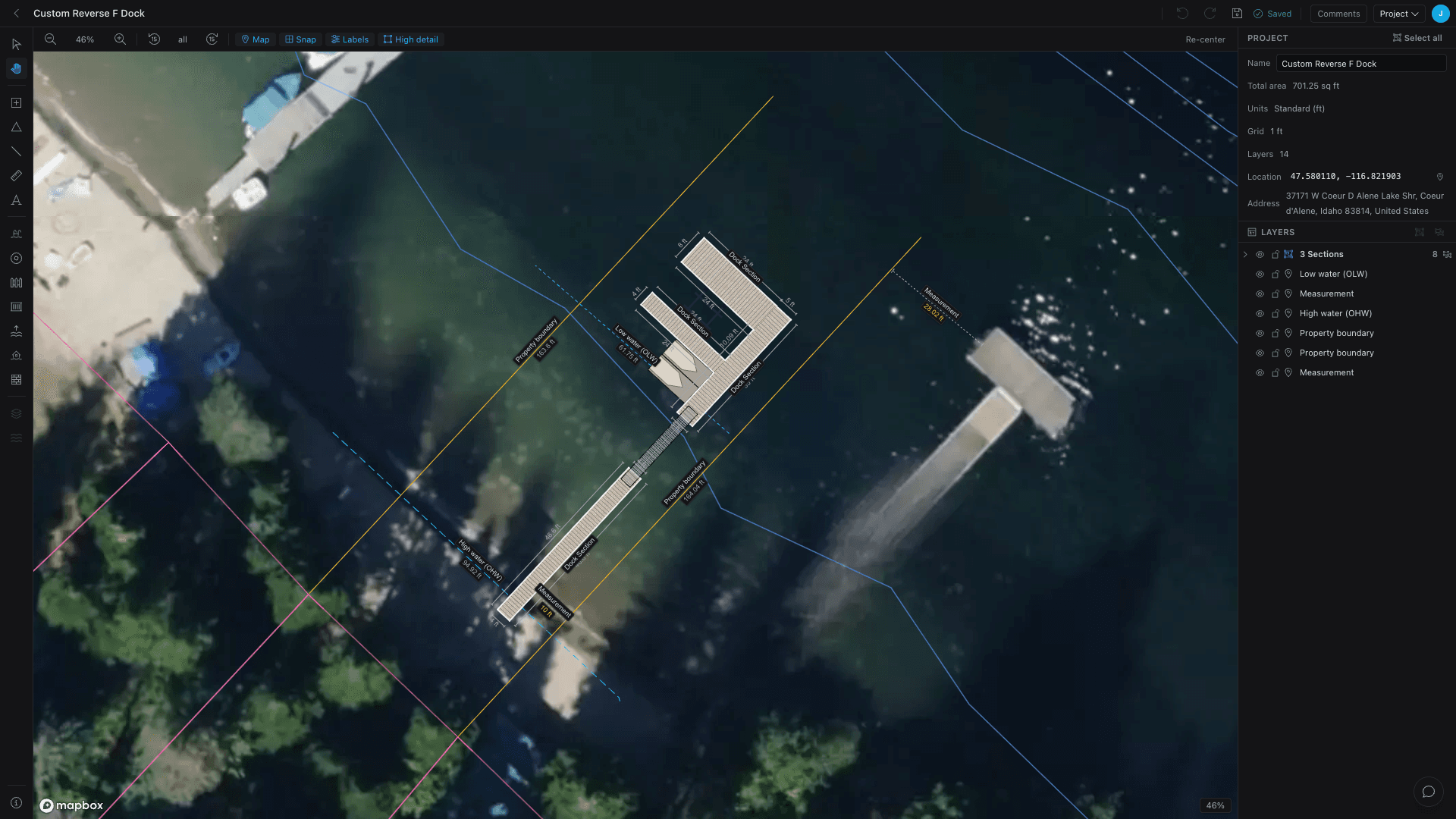
The workflow
The path from a drawn dock to something a customer can sign — each step in its own guide.
Material take-off
How the take-off counts decking, framing, floats, pilings, and hardware as you draw — with a real cut-list and waste.
Quoting
Roll the take-off into a quote: snapshot the design, group lines by material, add labor, margin, and tax.
PDF export & permit plans
Turn the same design into scaled, permit-ready PDF exhibits with title blocks and the views a reviewer expects.
Sharing & collaboration
Invite teammates by role, send a no-account share link, and collect comments right on the plan.
Setup & site
Get the foundations right so every dock you draw is grounded in the real site and priced with the products you actually use.
Site & aerial map
Anchor a project to its real location, drop it on a satellite basemap, and orient it to the shoreline.
Materials & products
Set default products once, override per element where it matters, and switch lumber for composite in a click.
Reusable templates
Save a dock layout once and drop it into any project — from the Add Dock wizard, a brand-new project, or a starter library shared across your whole shop.
White-label & branding
Run Dock Builder as your own — your logo and colors, branded quotes and PDFs, a web address that brings you quote leads, and a builder set up around how your shop works.
Dock know-how
Background on the trade itself — what permits ask for and the rules a design has to live by — so the dock you draw is the dock you can actually build.
Dock permits & drawings
What a dock permit application actually asks for — a scaled site plan, a cross-section, setbacks, and water datums — and how to produce each one without a CAD seat.
What a dock costs to build
What a new dock actually costs — the type, materials, water, site, and region that move the number — with real per-square-foot and total ranges from the US to overseas.
Floating, fixed & hybrid docks
Which dock your water actually allows — the trade-offs between a fixed piling dock, a floating dock, and the hybrid that joins them with a hinged gangway — plus a decision matrix to choose.
What a boat lift costs
Boat lift prices by type and capacity — from PWC and cantilever lifts to hydraulic — plus how to size one to your boat, the saltwater premium, and the extras that add up.
Best way to learn it? Open it.
Every guide pairs with the real tool. Start a dock in your browser — no account, no install — and follow along.