Put a dock designer on your website
Homeowners design their dock on your site and send you a quote request, with their contact details and a take-off summary.
- White-label: your subdomain or domain
- Visitors never see a price
Jake On The Lakes in Coeur d’Alene runs its dock designer at build.jakeonthelakes.com (opens in a new tab). Homeowners design their dock and send it straight to Jake for a quote.
jakeonthelakes.com(opens in a new tab)Dock Builder · signed outDemo
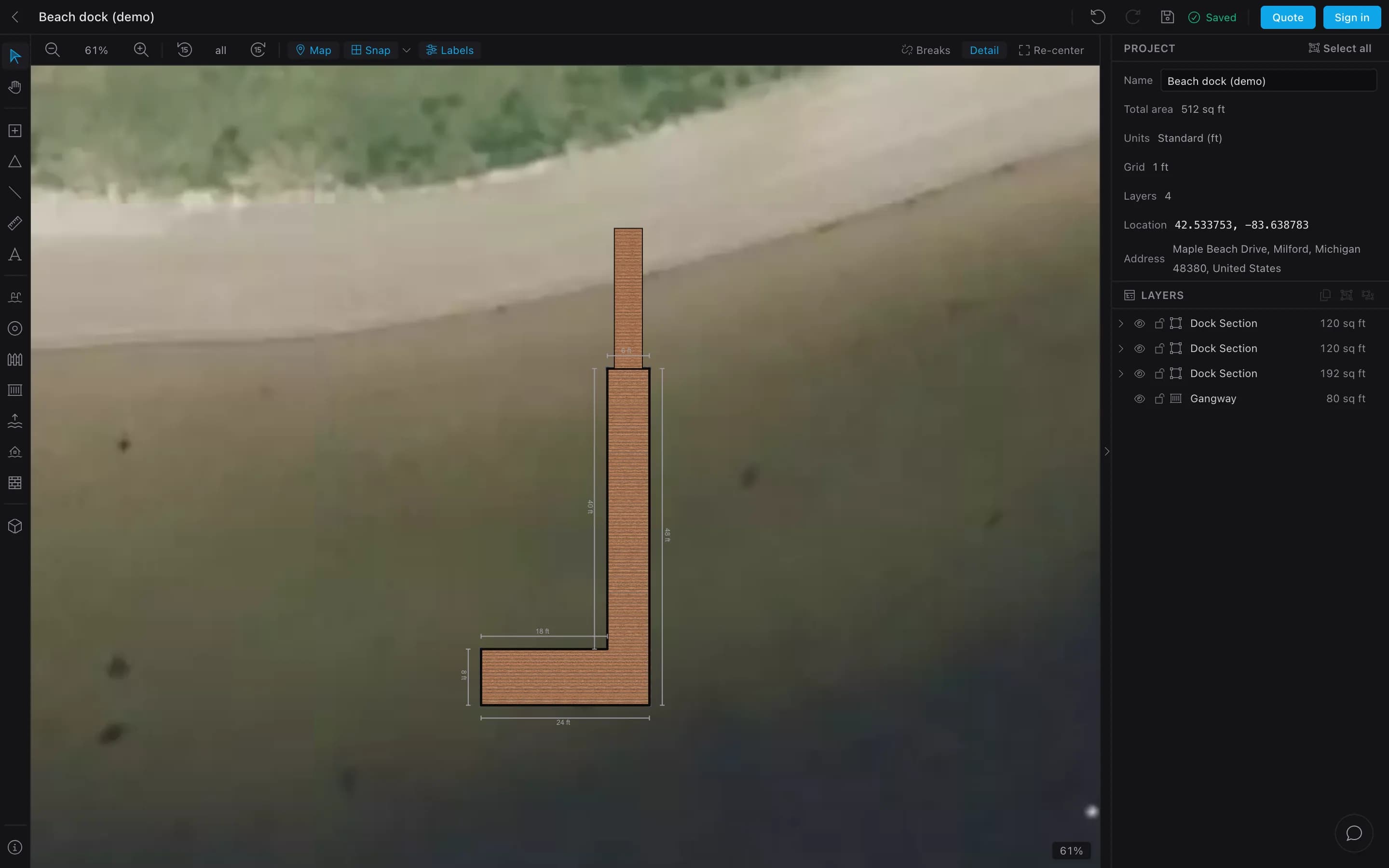
Phone
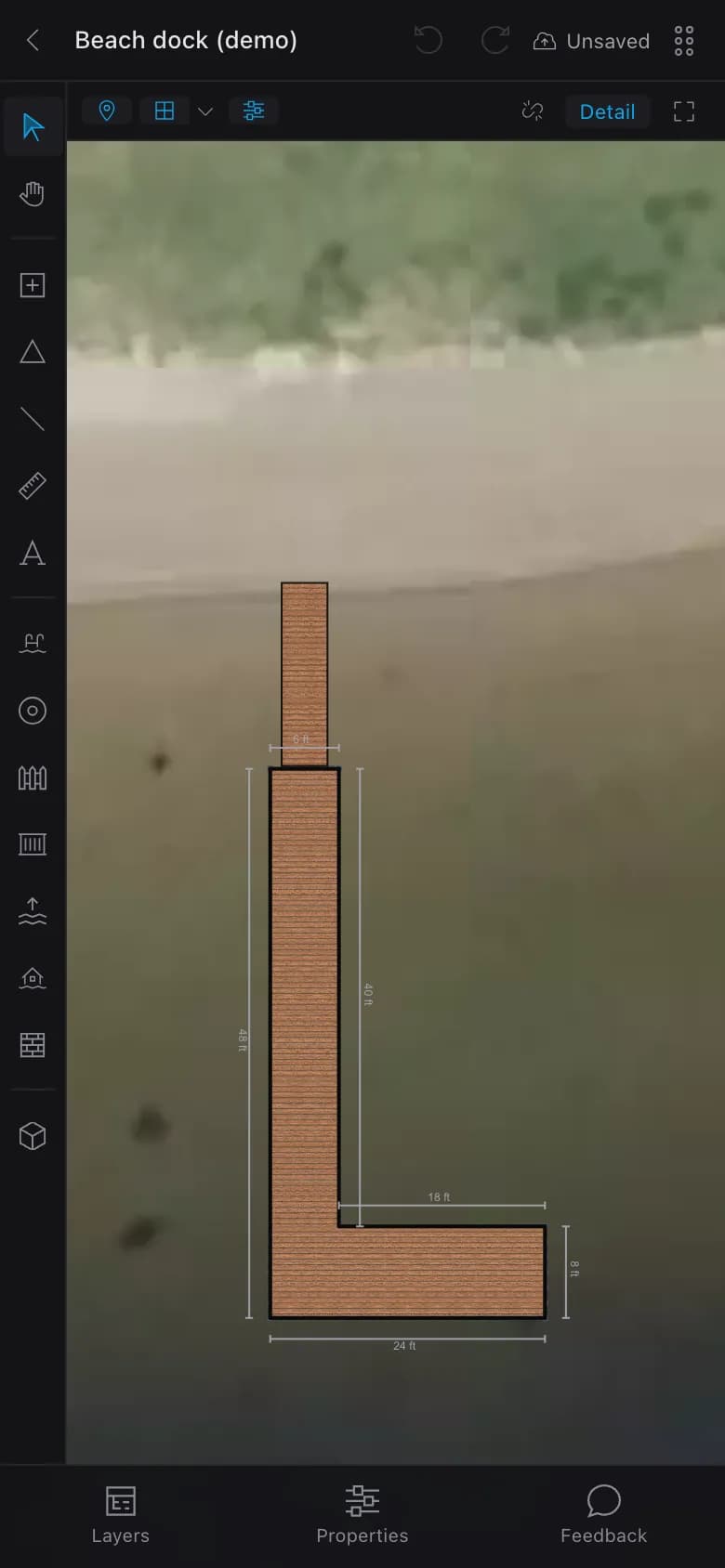
From their drawing to your quote.
- Add dock · signed out01
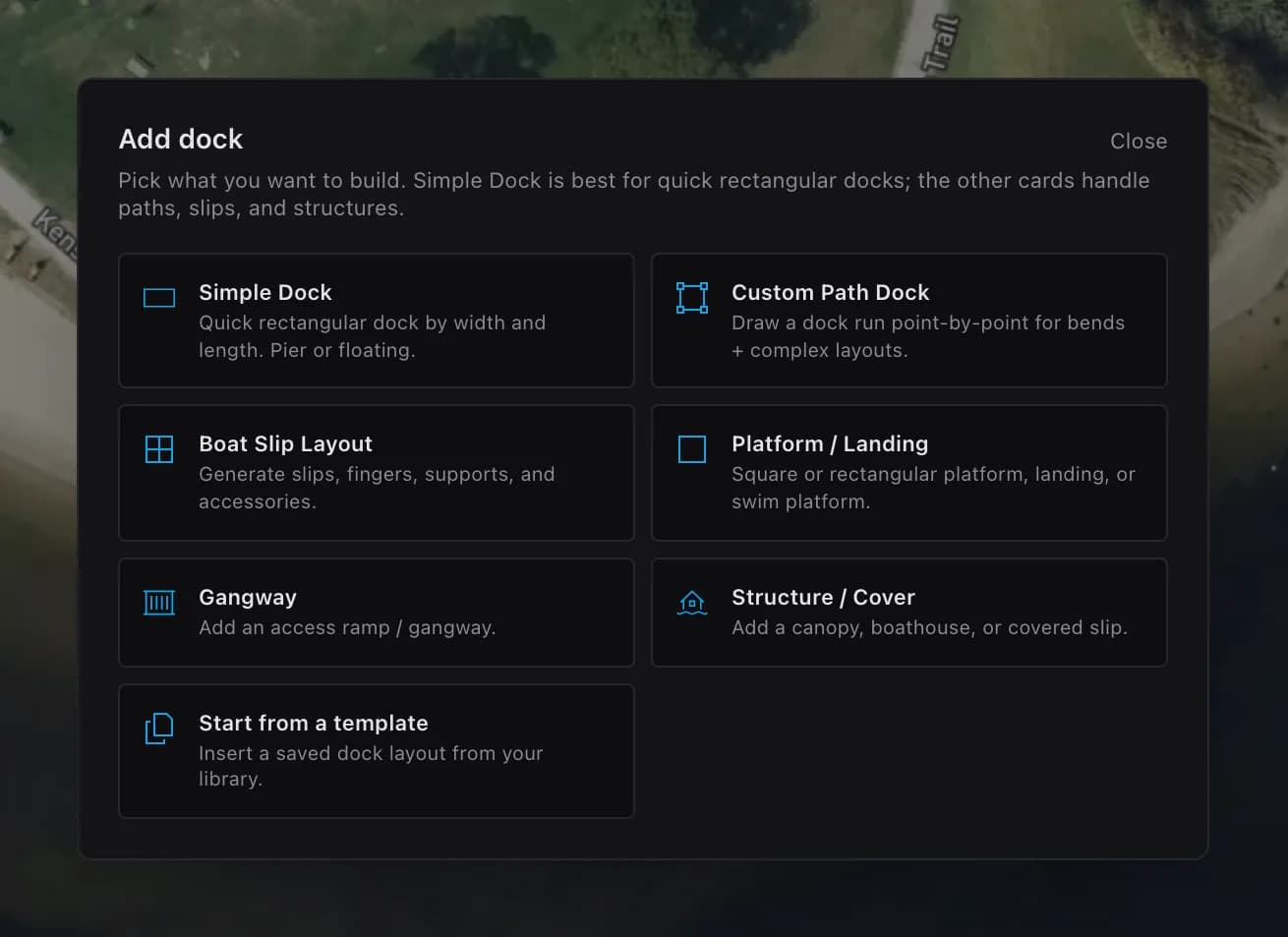
They draw it
Free, with no account, on a phone or a computer.
- Request a quote02
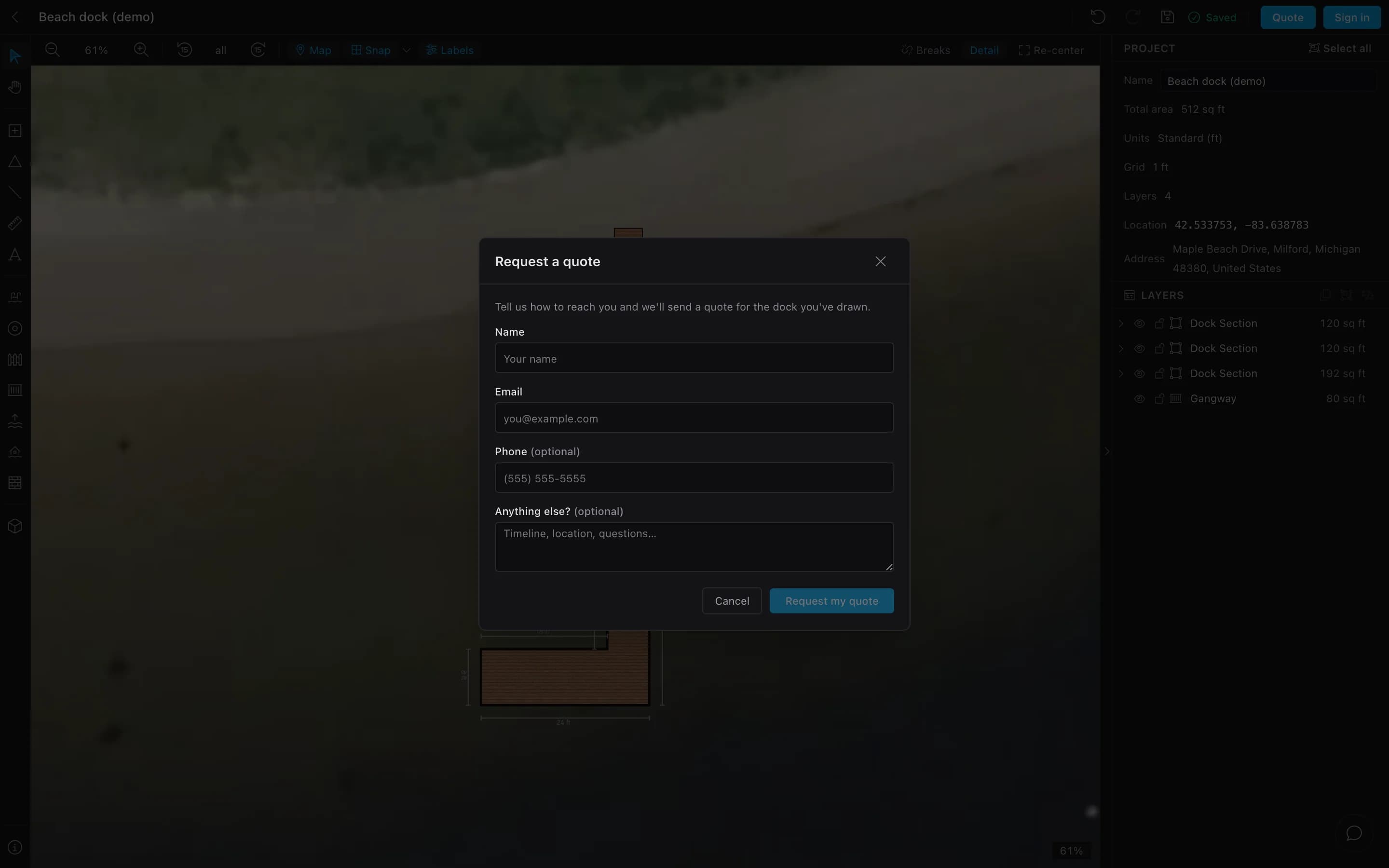
They send it
Name, email, an optional phone and note. The drawing goes with it.
- Leads · your console (demo)03
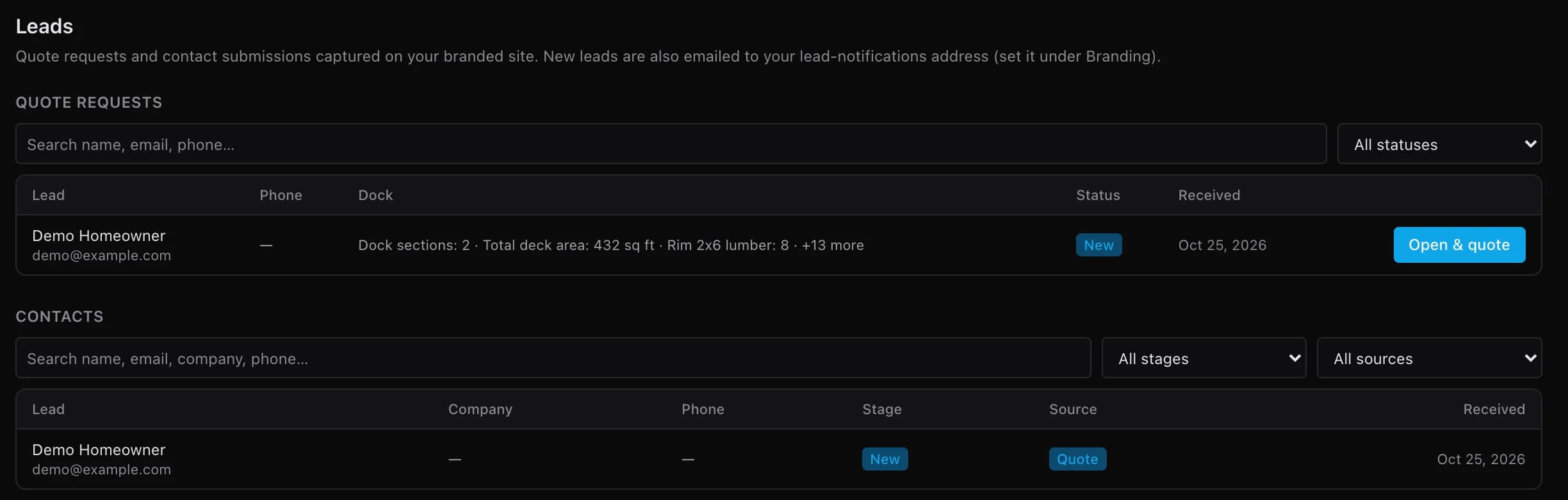
You open & quote
It lands in your Leads inbox. Open & quote makes it a project with the full take-off, quote and proposal.
- Their drawing and contact details
- A take-off summary: counts, no prices
- An email alert to your lead address
Your address, your colors.
Every paid plan: your logo and colors, email alerts, visit analytics, and your own GA4, Tag Manager or Meta Pixel.
- Pro
- yourco.dockbuilder.ioOne branded subdomain
- Business
- designer.yourco.comYour own domain; up to 5 domains
- Enterprise
- Unlimited domainsFreeform theme; a designer set up around your catalog
Questions builders ask
Can I embed it inside a page on my site?
Do visitors see prices?
What happens to quote requests made on dockbuilder.io?
What does it cost?
Let your website take the first request.
Tell us about your business. We set up your designer with you.